
Install Heaters
https://support.focalheat.co/install-heaters/
On this page
- Before you start
- Watch the video
- Open the rail end
- Install each heater
- Close up the rail
- Final checks
Before you start
The rail should already be mounted, plugged in, and switched on. Heaters slide onto the rail from the opening end, opposite the cord-exit end. Each Focal heater (Duo) has two heating spots and gets its power from the rail when it locks into a slot, so there is no separate cable to connect. After this, you’ll assign each heater to its slot in the Focal Control app.
You need:
- A 2 mm hex wrench for the bumper and end cap screws
- The heaters for this rail, per the site plan
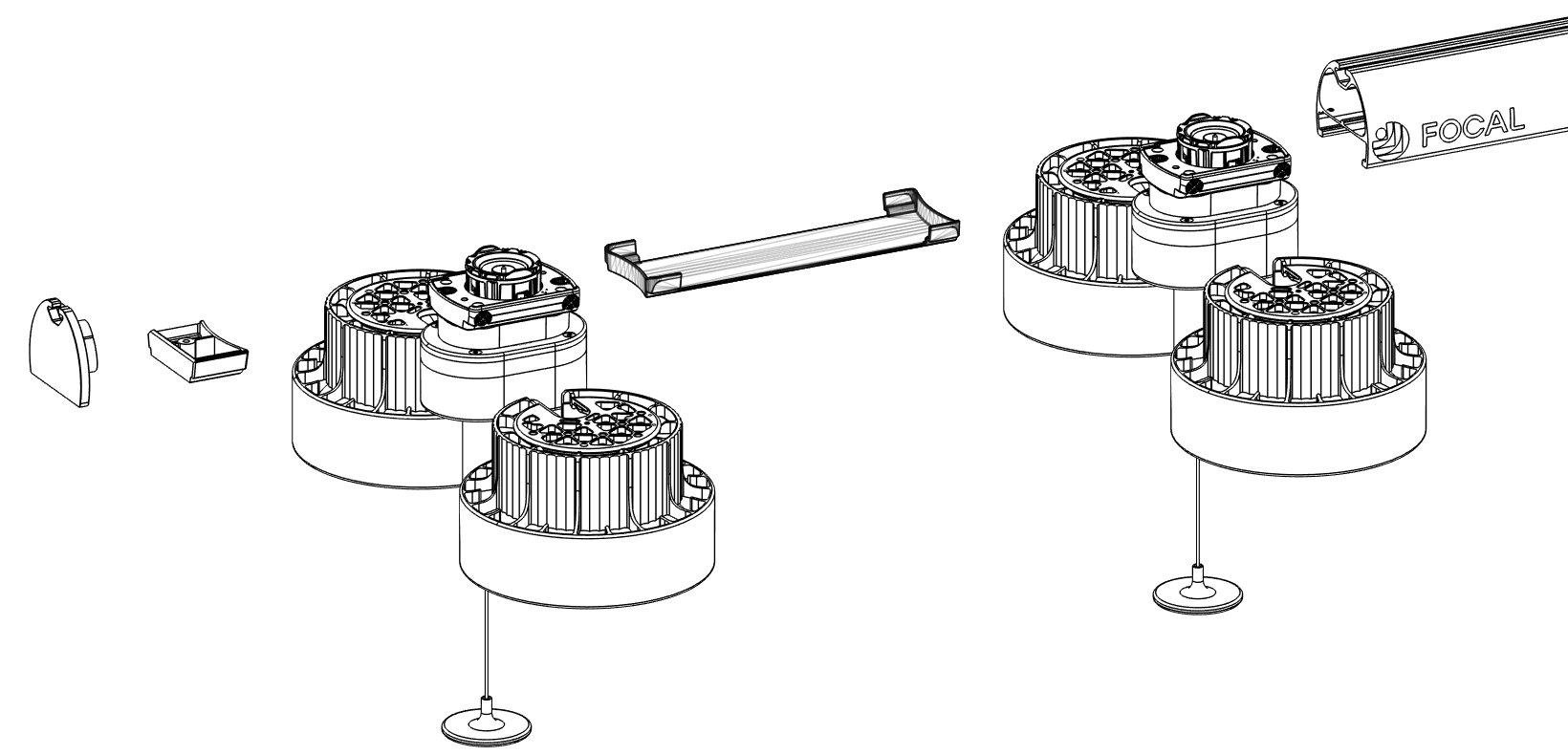
Handle each heater by its body, keeping the emitters and grille clear.
Grab or set the unit down on the grille or reflector.
Watch the video
Watch the full video once before you start. Refer to the step-by-step written instructions below.
 Watch this step at https://support.focalheat.co/install-heaters/#install-video
Open the rail end
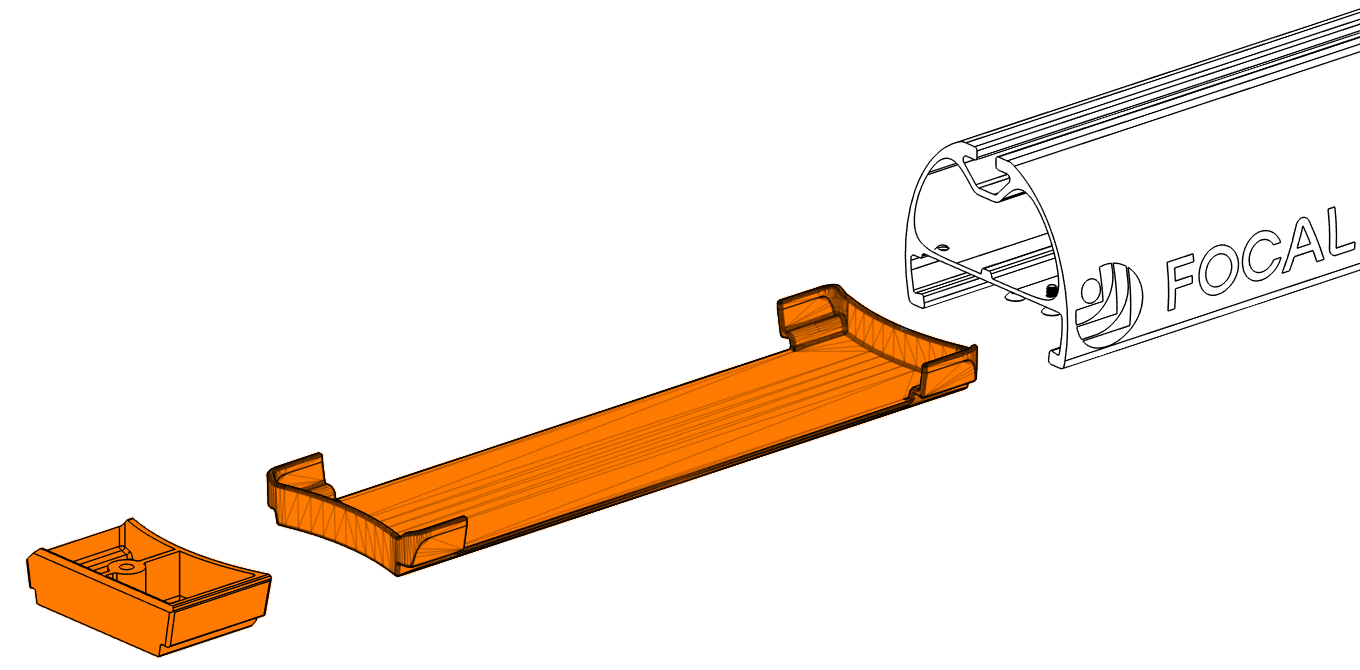
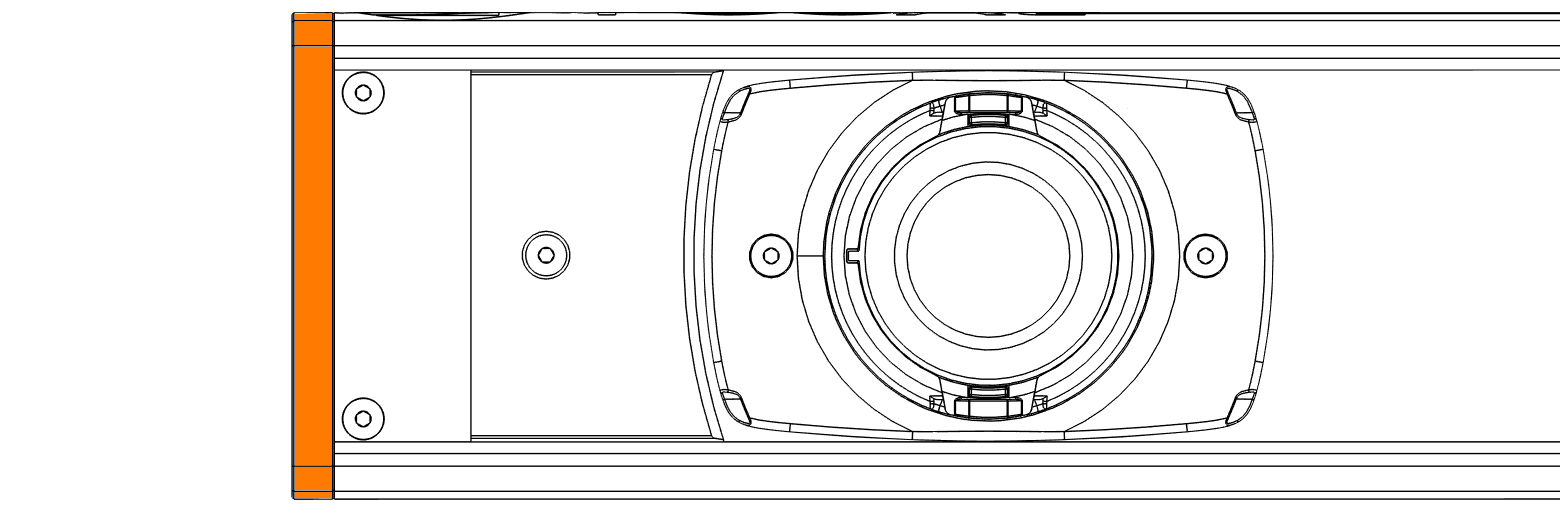
Work at the opening end of the rail, opposite the cord-exit end. This is the end with the removable end cap (orange).
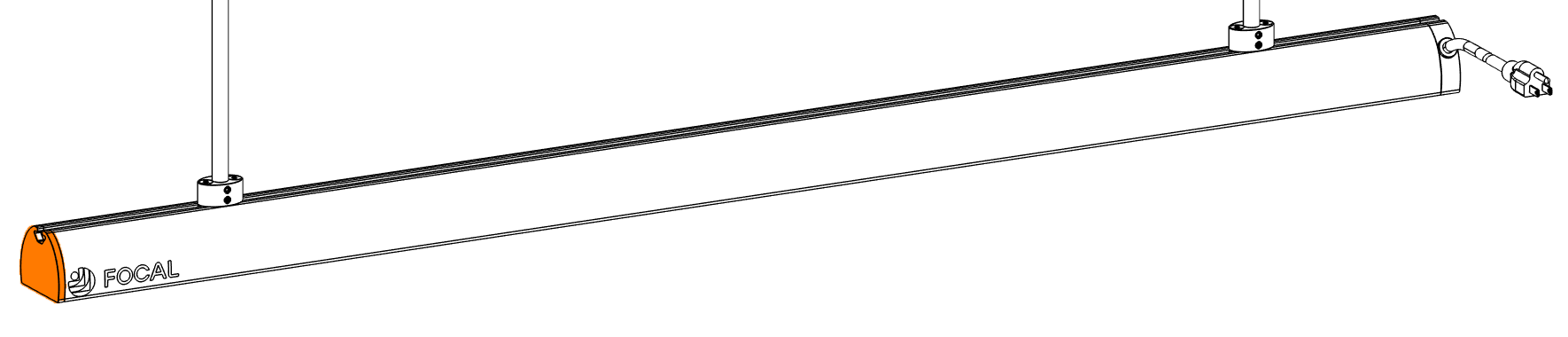
Look up at the underside of the rail.
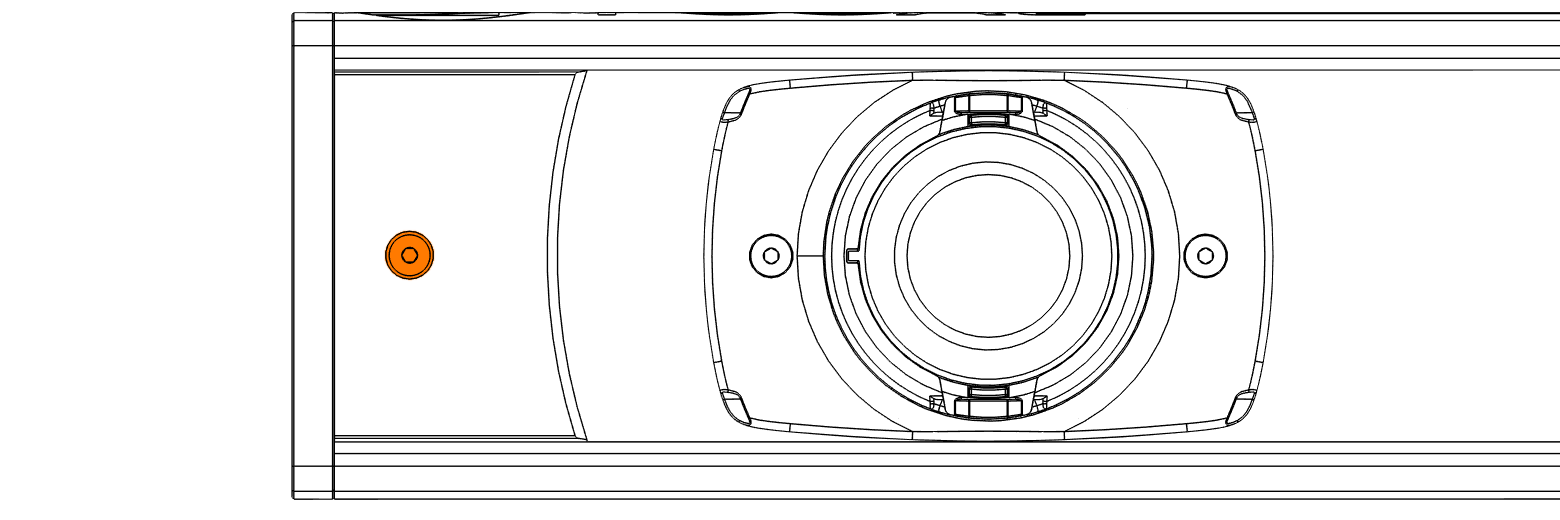
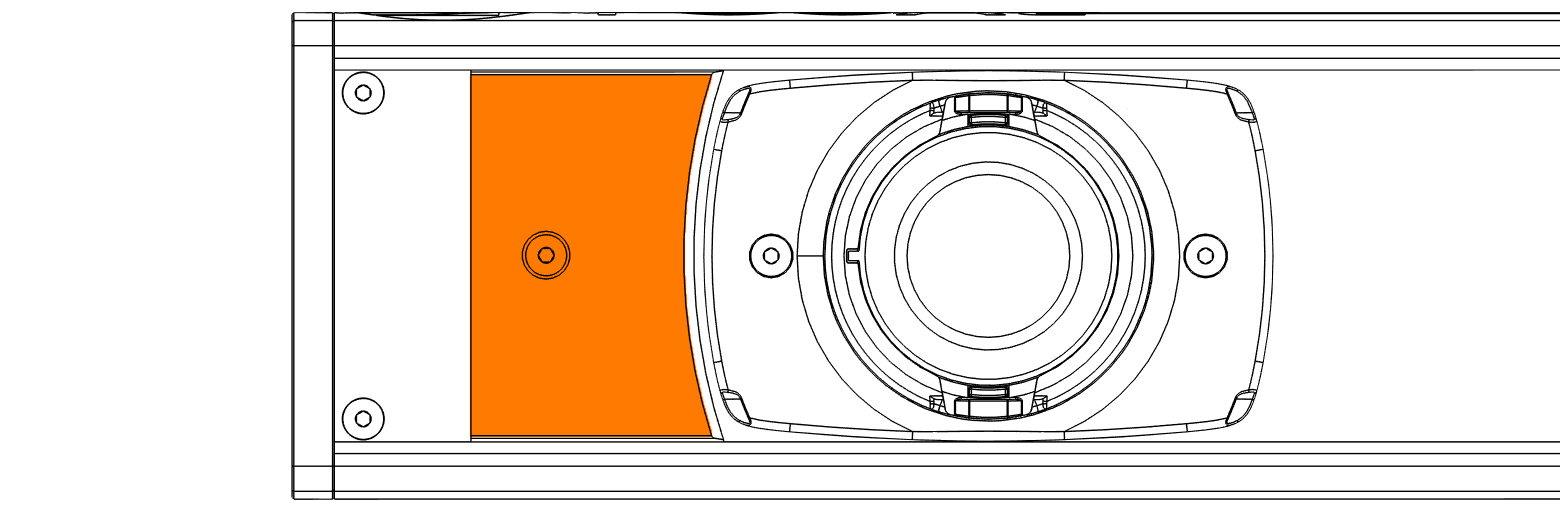
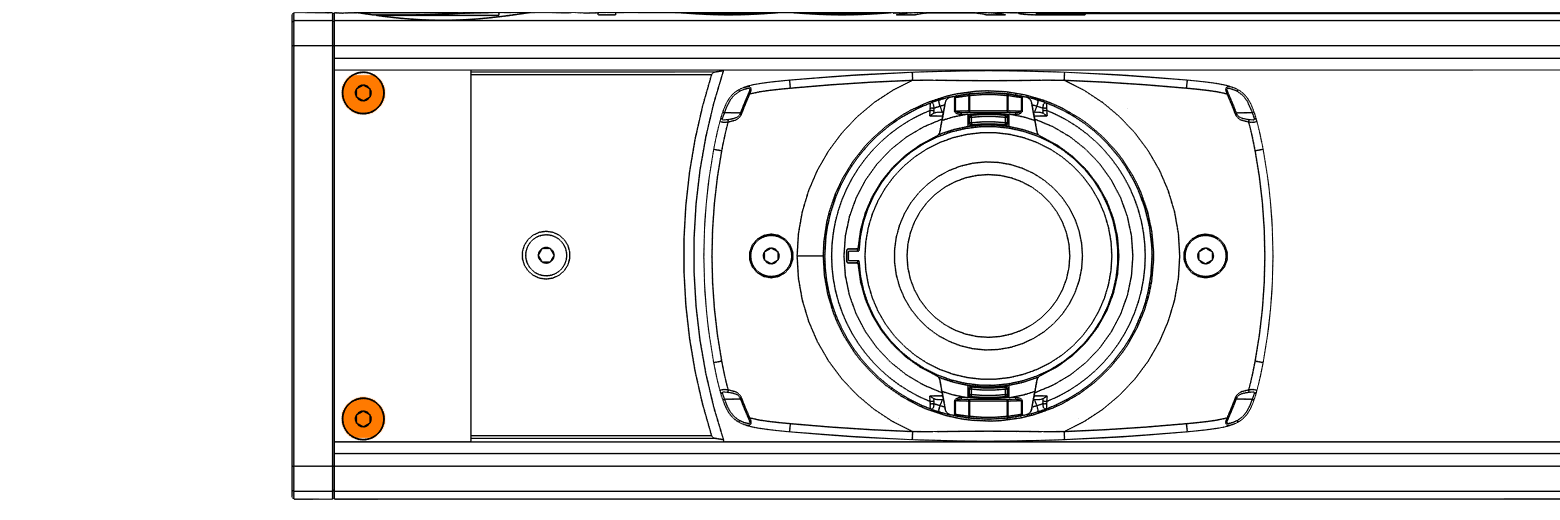
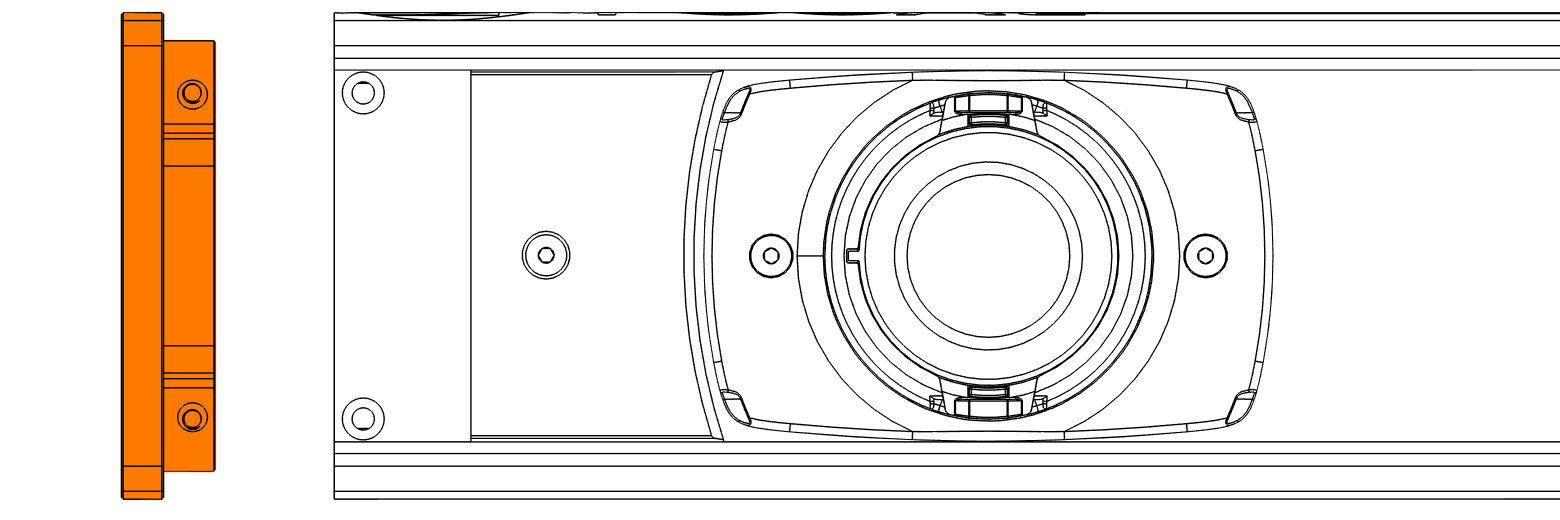
Slide the bumper and the spacer(s) off the opening end of the rail. The spacers go back in between the heaters as you install them, and the bumper goes back on last.
Install each heater
Take the heater out of its box. Leave the rest of the packaging on until the heater is started onto the rail.
Heaters slide on from the opening end of the rail. The heater only fits one way: hold it with the pull string on the trailing side, away from the rail.
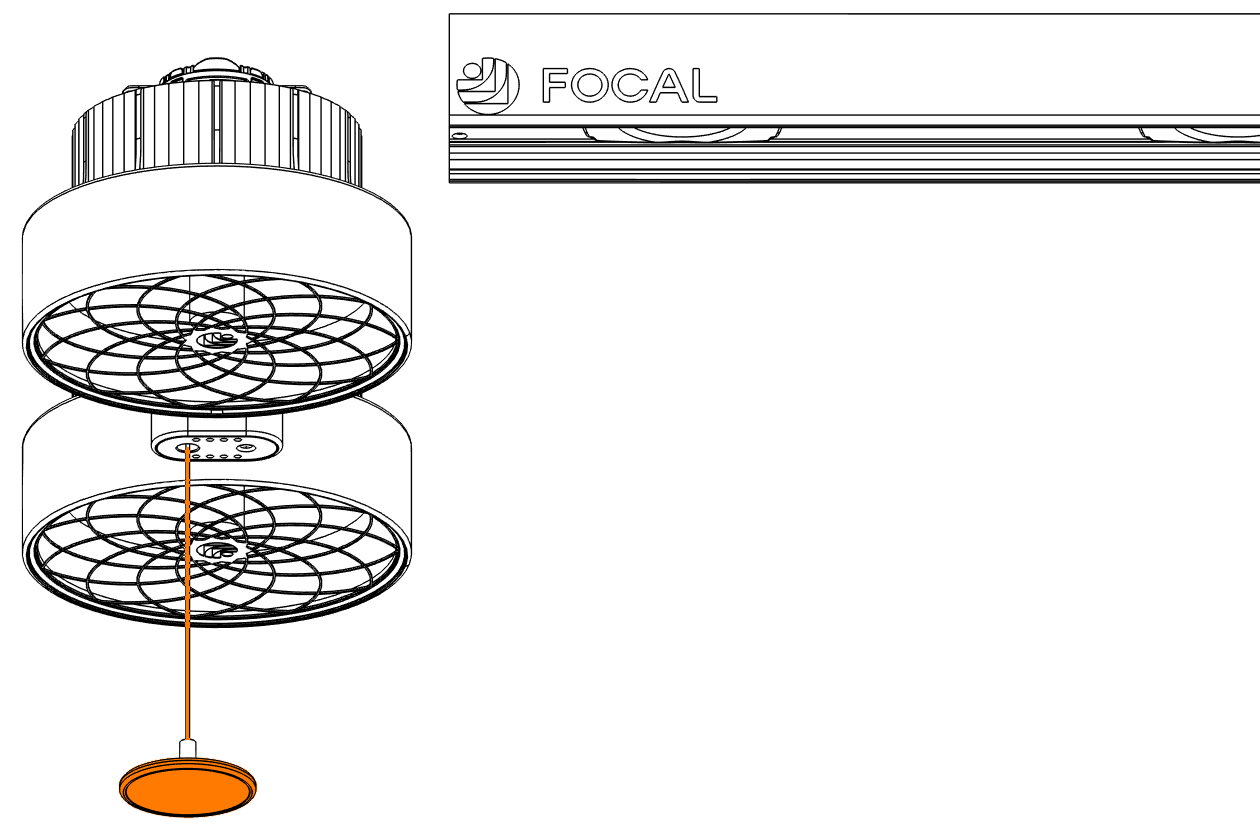
The lug (the round power connector on top of the riser) must be down for the heater to slide onto the rail. A new heater ships with a small plastic clip holding the lug down. It slides off by itself as the heater goes onto the rail. If there's no clip and the lug is up, pull the pull string down until the lug drops.
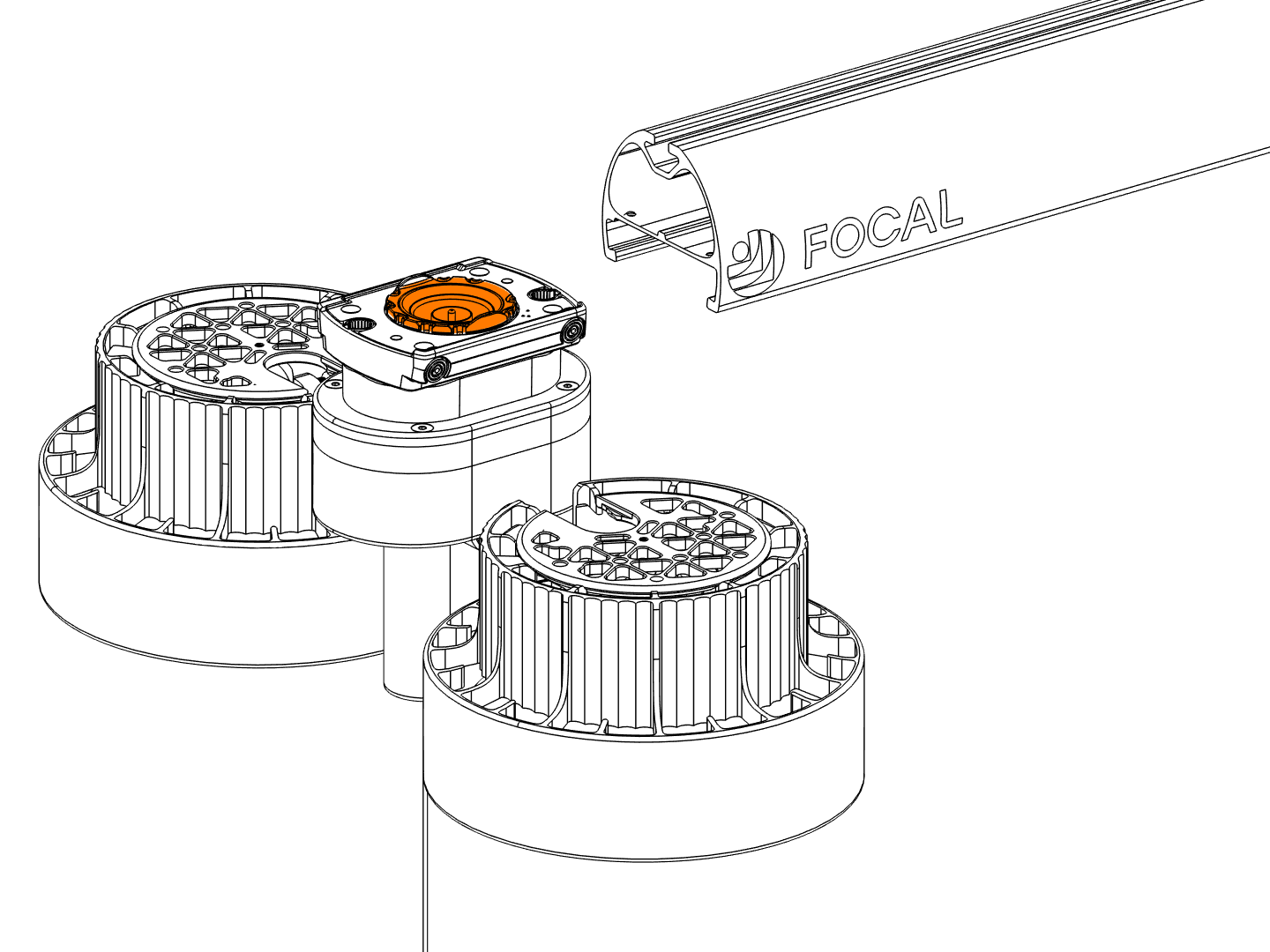
Any heater can go in any slot. Fill the one farthest from the opening end first. Slide the heater onto the rail and remove the rest of the packaging. Pull the string down firmly to release the heater, slide it to its slot, and let go. It locks in and its LEDs light.
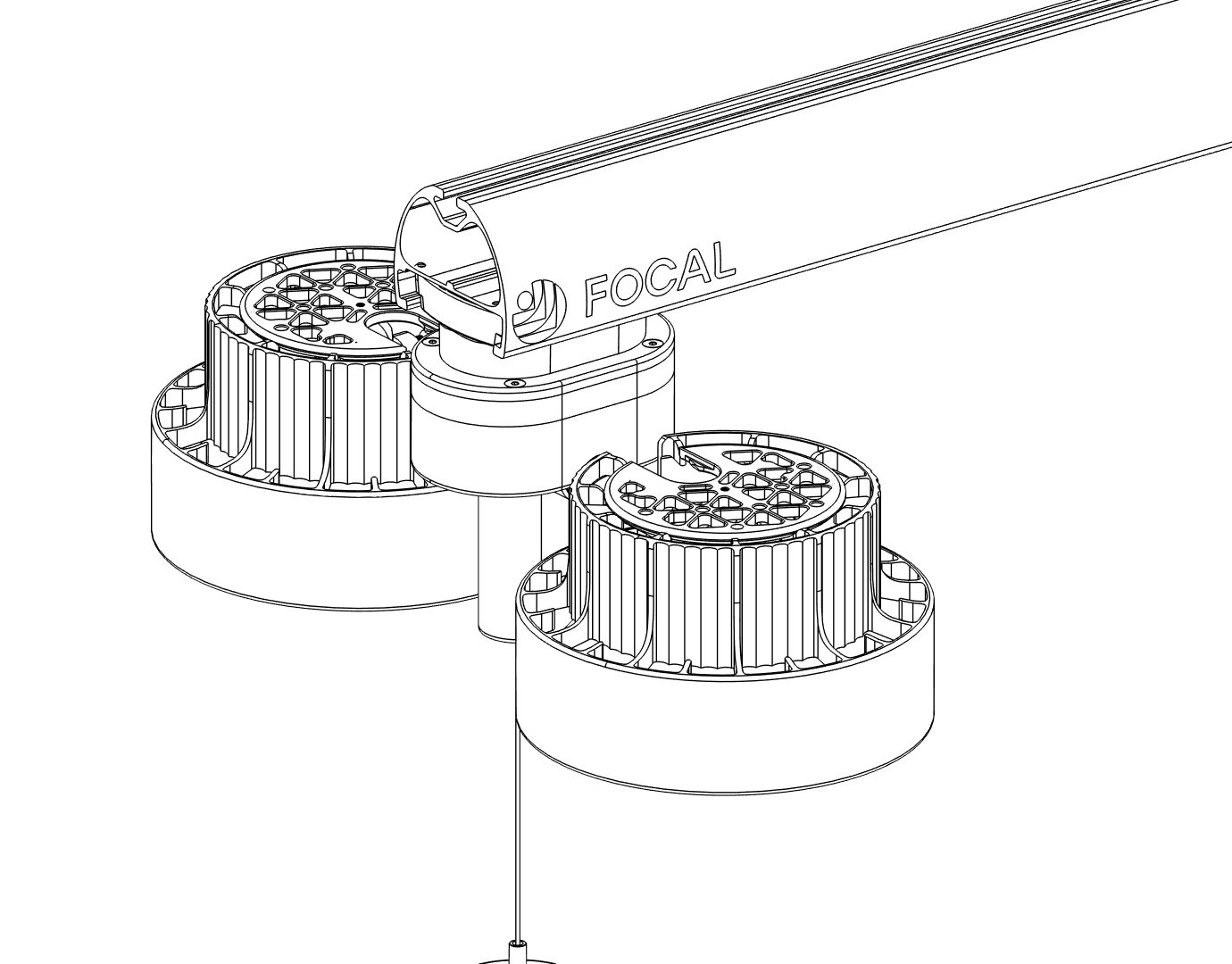
Insert a spacer after the heater. Repeat for each heater, adding spacers between heaters. There should be one spacer in between every pair of heaters.
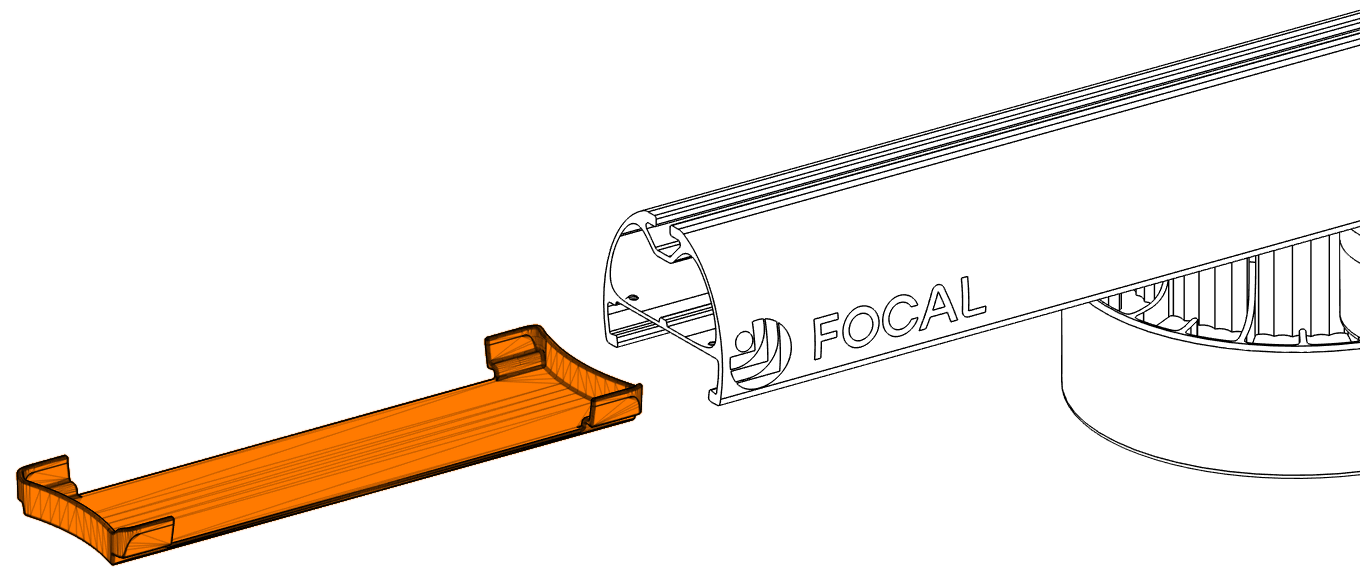
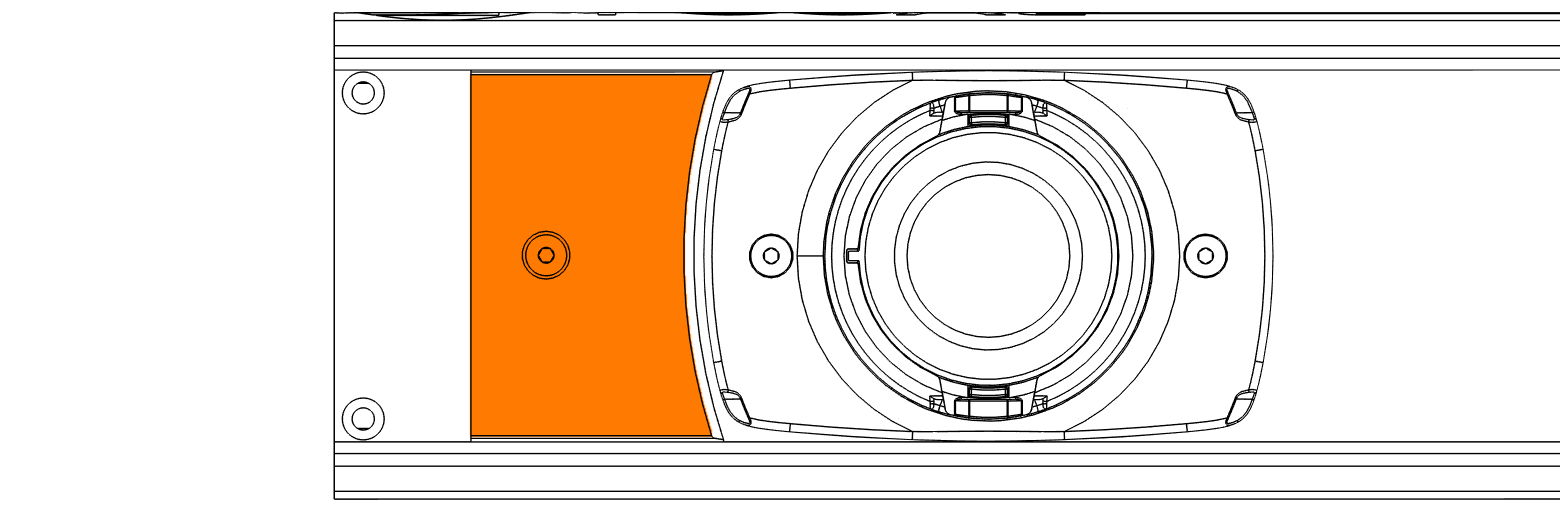
Close up the rail
Final checks
- Every heater is seated in a slot and LEDs lit
- There is a spacer between each pair of heaters
- Bumper back on the rail, end cap screwed on, and bumper screw tightened
You're not done yet. Staff can't control these heaters until each one is assigned to its slot in the Focal Control app. Assign them now, before you leave the site.